

Protect Release Notes - May 2025
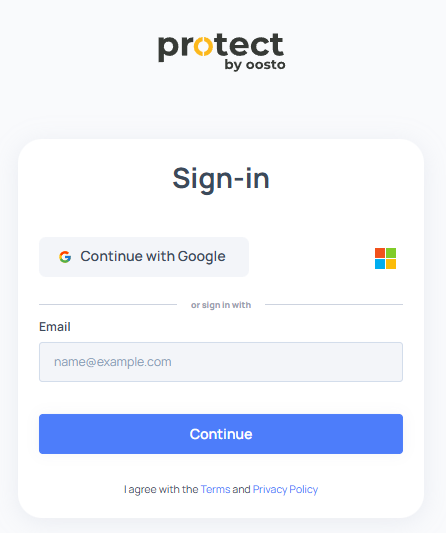
Expanded Authentication Support
We've upgraded authentication options to provide more flexibility and security for accessing Protect.
New Methods: Sign in with Google, Microsoft, or standard email and password.
Single Sign-On (SSO): Added support for SAML service providers and OpenID Connect identity providers (e.g., Okta, Azure AD). Contact your account manager to configure SSO for your organization.
Enhanced User Management
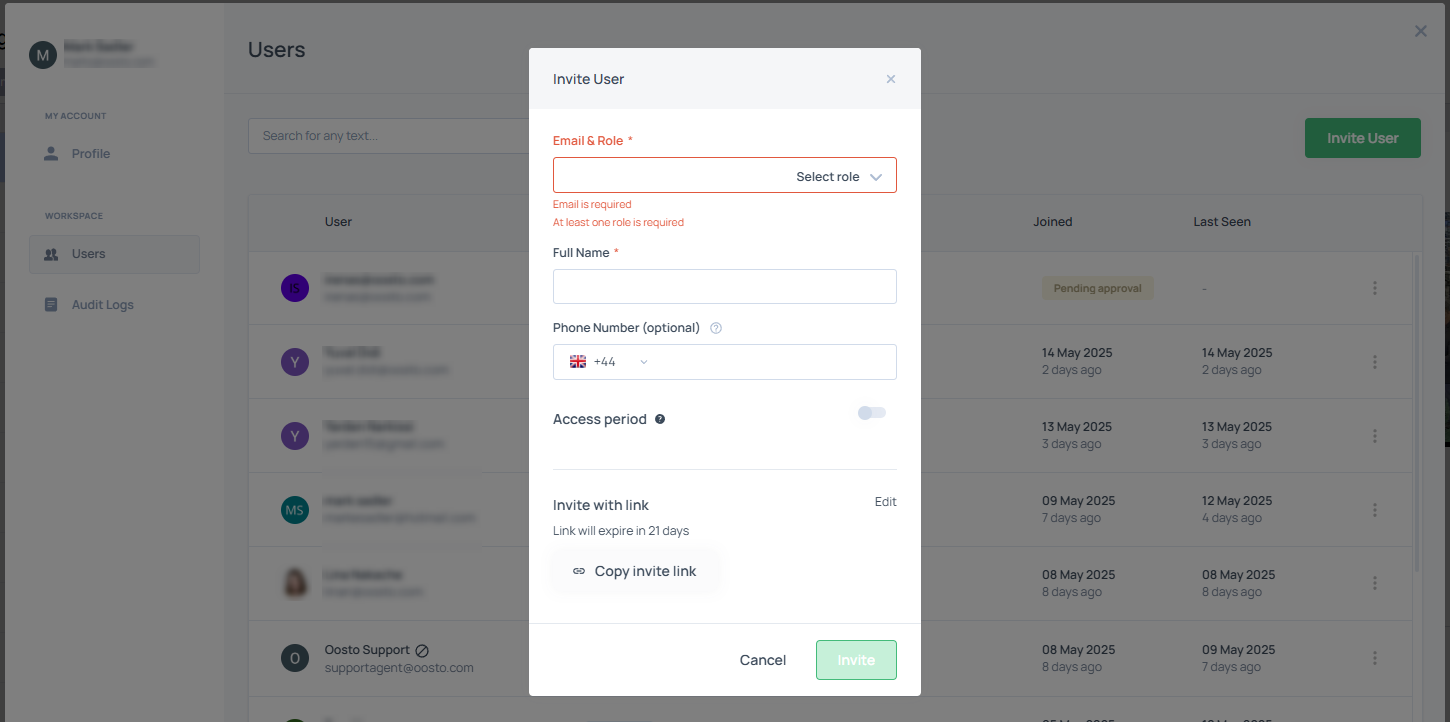
Admins can now manage users directly within Protect, streamlining onboarding and access control.
Invite users and monitor approval status.
Delete or disable user accounts.
Set periodic access for temporary users (e.g., contractors).
Edit user roles to align with responsibilities.
Self-Service User Profiles
Users can now update their own profile details, such as name and contact information, reducing administrative overhead.
Role-Based Access Control
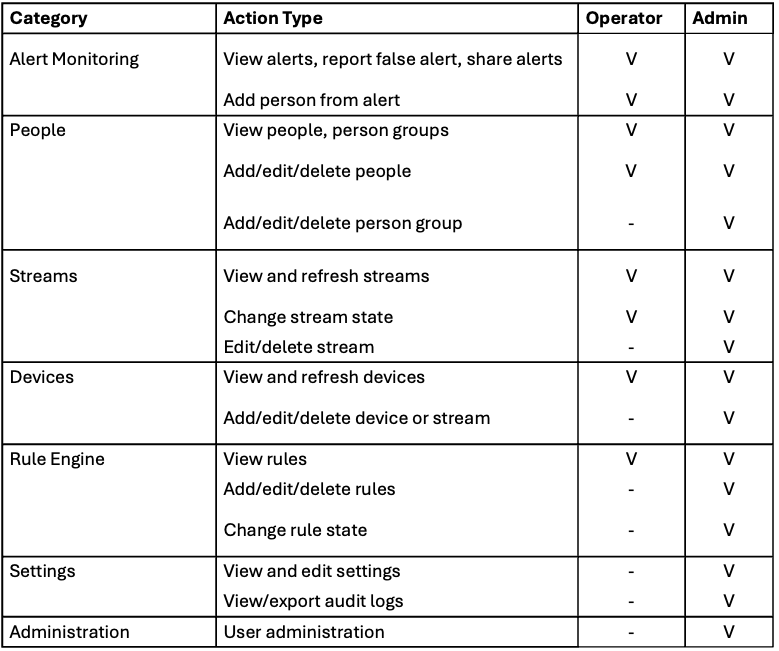
We've introduced a new Operator role to separate administrative and operational tasks, providing finer-grained control.
Operator: Can view dashboards, manage alerts, and save faces from alerts but cannot modify system settings or user accounts.
Administrator: Full access to all Protect features, including user management and system configuration.
We’re planning additional roles based on your feedback. Share your suggestions via our feedback portal.
Security Enhancements
Protect now offers robust security features to safeguard your data and access.
Security Audit Log: Track all user access and administrative actions, including logins, role changes, and configuration updates. Logs are accessible to administrators in the Security tab.
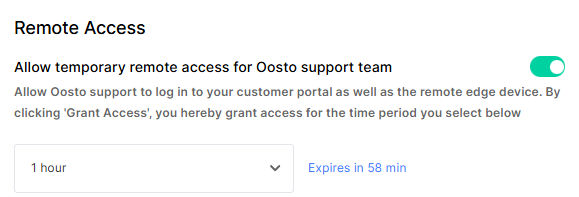
Controlled Remote Access: Administrators can grant Oosto support team access for a specific time or indefinitely, with full control via the admin panel.
Password Policies (for non-Google/Microsoft logins):
Complexity: Minimum 8 characters, including at least two of the following: one lowercase, one uppercase, one number, one special character.
Expiration: Passwords expire every 90 days.
Domain Restrictions: Restrict invitations to approved email domains (e.g., yourcompany.com). Existing users are unaffected. Contact your account manager to enable this feature.
Flexible Alert Retention
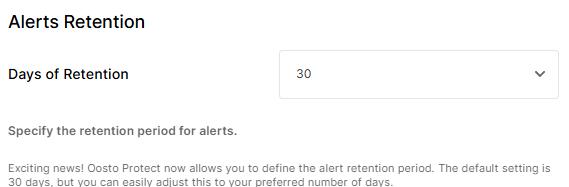
You can now customize the retention period for alerts, giving you control over storage and compliance needs.
Options: Choose 7, 30, 60, or 90 days (default remains 30 days).
Effective Date: This feature will be available starting June 1, 2025, to allow time for planning.
Filter Reset & Navigation Enhancements
We've improved navigation and filter management to make working with streams, rules, and alerts more intuitive.
Reset Filters Button: Clear all applied filters with a single click to return to the default alert grid view.
Improved Navigation: Navigate directly from the Streams or Rules pages to the Alerts page with pre-applied filters (e.g., alerts filtered by selected stream or rule).
Rule Status Indicators
Rules are now smarter, with clear indicators to prevent misconfigurations.
No Stream Assigned: Rules without linked cameras are auto-disabled and marked with an info icon and message: “Rule disabled: No camera assigned.”
No Person Group Assigned: Matched/Unmatched rules missing a person group are auto-disabled with the message: “Rule disabled: No person group assigned.”
Combined Missing Data: Rules missing both streams and person groups display: “Rule disabled: Rule person group(s) and camera(s) do not exist anymore.”
Person Image Extended View
Enhance verification with more context for person images.
Extended Image: View a wider crop of the face image, including additional scene details, for better identification in crowded or complex scenes.
Save People from Alerts
Streamline person profile management with new face-saving capabilities.
Person Face Option: When a face is detected in an alert video, users can save it directly to create a new person profile or update an existing one.
No Face Detected: If no face is available, the “Add Person from Alert” button is disabled and greyed out.
Improved User Experience
We've revamped the UI/UX across Protect for easier navigation and a richer experience.
Simplified user management workflows.
Enhanced dashboard visuals for analytics.
Streamlined settings for edge Jetson device integration.
Replaced “Initializing Stream” with “Connecting” for clearer feedback during stream setup.
WebHook additional information was added, including low-quality alerts and description.
Feedback and Support
We value your input! Test the new navigation, people-saving, and rule status features, and let us know how they work for you. For assistance with SSO, domain restrictions, or other features, contact your account manager.
Thank you for choosing Protect. We’re excited to continue enhancing your experience!