

Within Protect, you can create groups to differentiate between a variety of people, you can add a person group, and edit or delete existing groups by using the action buttons.
It can be accessed by clicking on the Person Groups button from the People screen.

You can see any existing subject group listed here, along with information like Name, Description, creation date, update date, and number of people inside the group.
* Note: The Dafeult Person Group is created automatically, and can't be edited or deleted.

You can also filter the person groups by group name and description -

Create a Person Group
1. Click Add Person Group. A pop-up will open where you can input information, such as name and description to add a new subject group to the system.
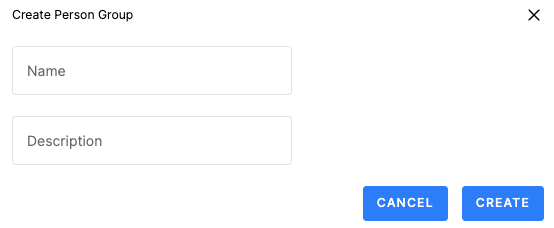
2. Add a Group Name and type a Description if relevant.